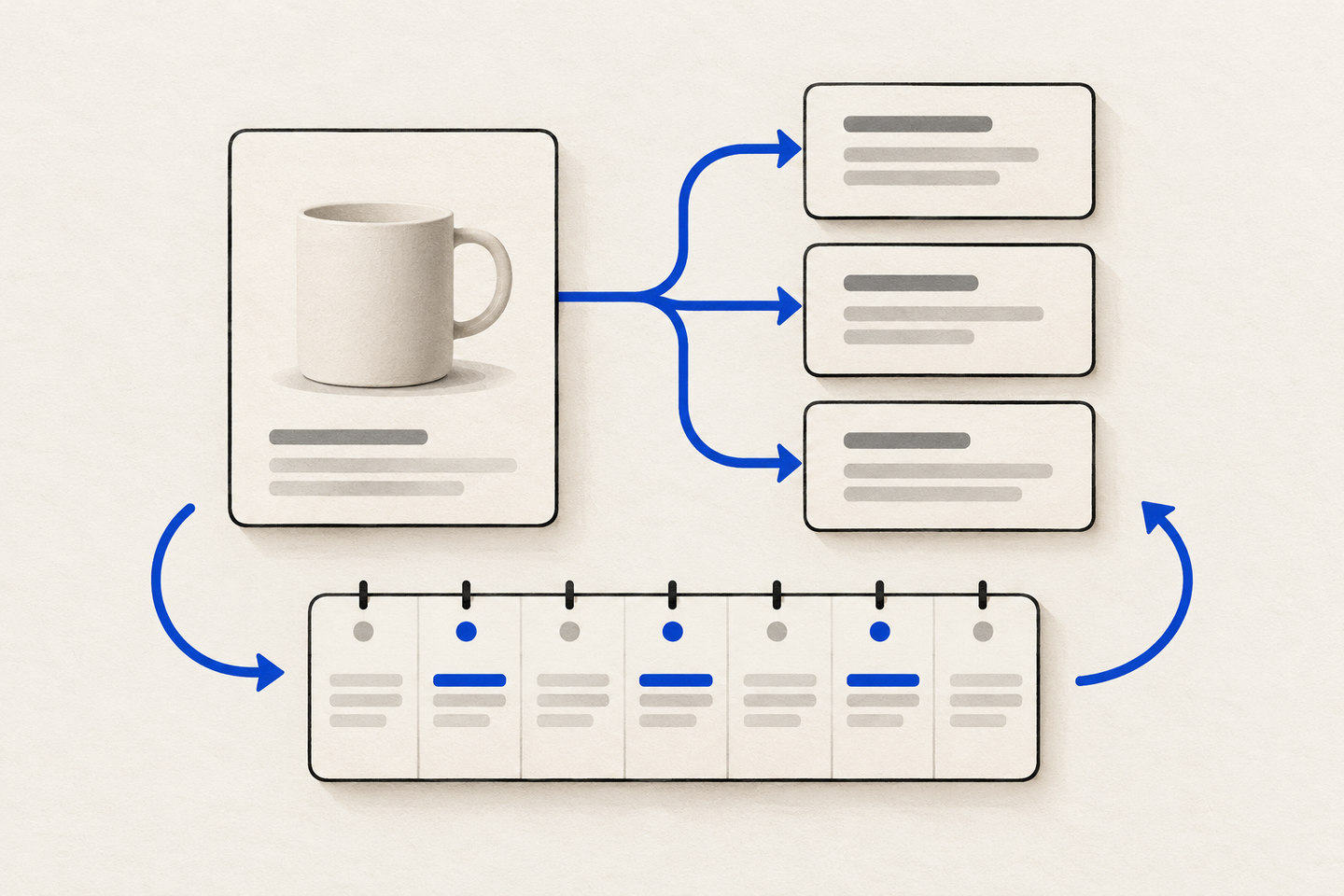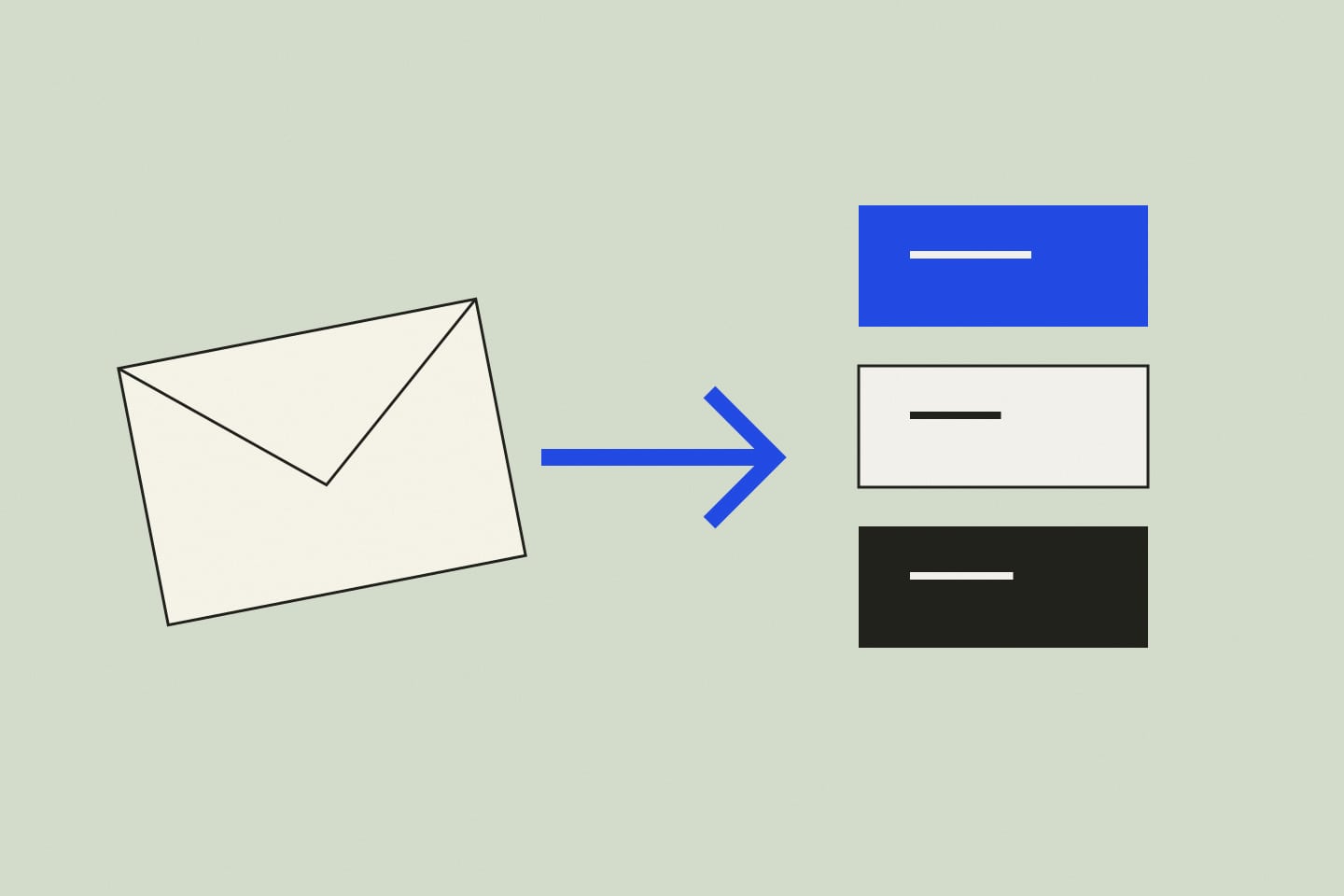
Before automating incoming requests, check whether you can explain the sorting rules yourself. “Important” can mean different things to different people. Concrete categories are easier to review.
Name your categories
For a teaching example, try a service inquiry, an existing order, another topic, and needs clarification. Add a short description and a few anonymized examples for each category.
Ask the tool to return only a category and a short explanation. Anthropic recommends clear instructions and relevant examples; the specific categories here are our suggested exercise.
Review ambiguous cases
Try a message with two topics, unusual wording, or missing information. Check whether you can understand the choice and whether the message’s meaning remains intact.
Keep a category for requests that do not fit the rules. Uncertainty should be visible rather than hidden inside an arbitrary answer.
Take time before sending replies
Sorting a request and answering a customer are different tasks. First use the categories as guidance for a person. Discuss the next workflow step only after reviewing quality.
This exercise does not connect an inbox or send messages. Its purpose is to clarify the rules before choosing an integration.