Author: Nadali. Prepared using AI.
On November 10, 2026, Shopify announced that stores can appear on Shop regardless of their payment provider if they meet the updated requirements. For a business without Shopify Payments, this is a reason to check a new source of referrals to its own website. Increased traffic or sales are not guaranteed.
Product visibility and checkout location
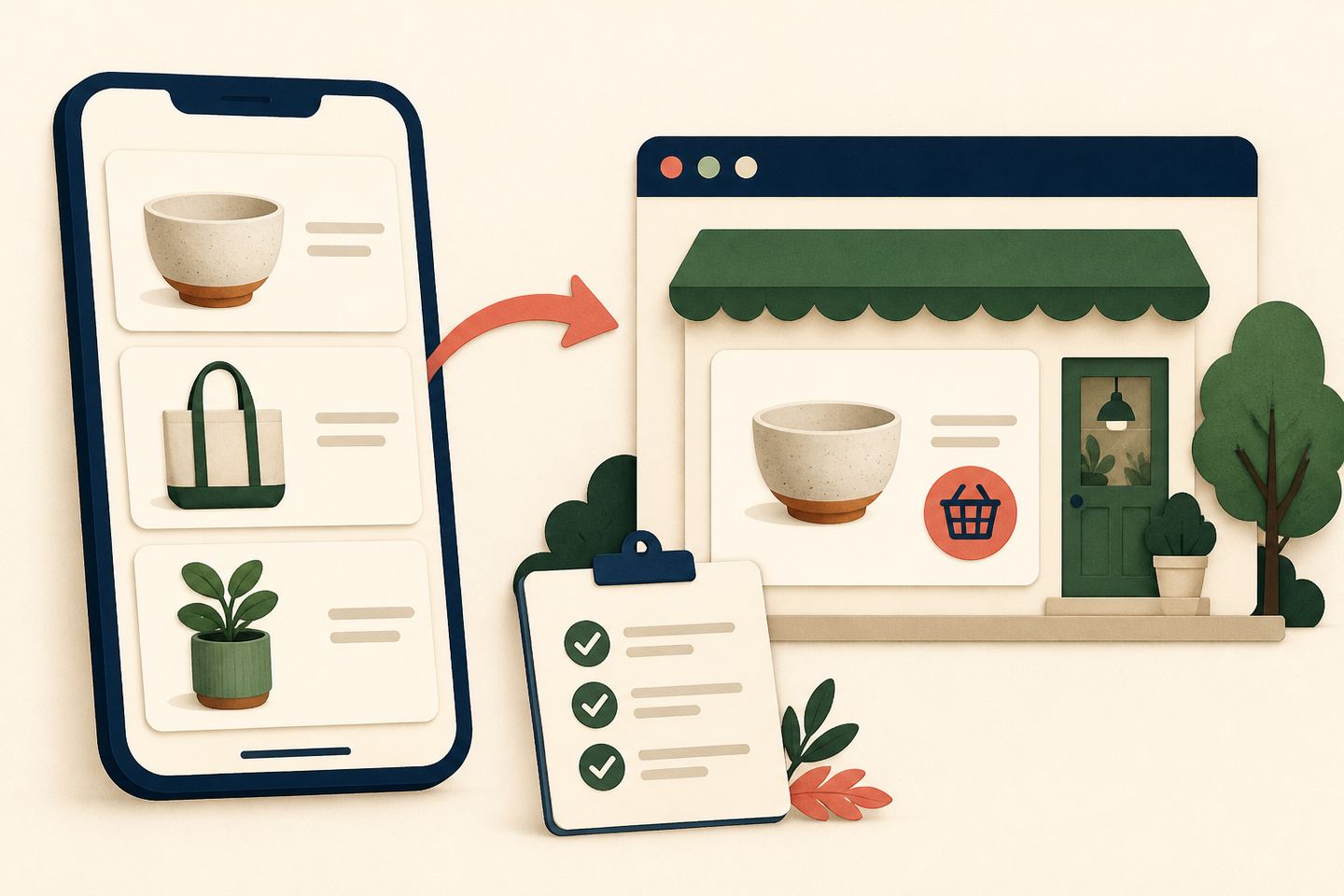
The eligibility documentation separates displaying products from selling directly on Shop. Shopify Payments remains necessary for the latter. When a store meets only the display requirements, customers are directed to the store’s website to complete their purchase.
Display conditions include an active plan, business details, at least one fulfilled order and an accessible Online Store. This is not the full list. Check eligibility in the Shop channel in the admin; after fixes, a status update can take up to 48 hours.
The Shop Campaigns rules separately require Shopify Payments, direct checkout in Shop, supported countries and currencies, and other conditions. Ukraine is not on the list of business-address countries for this advertising programme. Newly eligible product listings alone do not unlock advertising.
The connection to AI shopping
The setup documentation also describes eligible products from Shop or Shopify Catalog being discoverable through agentic shopping experiences, including the Shop App for ChatGPT. This is context about the existing system, not a separate November 10 launch of an AI service. Nadali has not checked whether any particular Ukrainian store appears in Shop or ChatGPT.
A short owner’s checklist
Our editorial workflow:
- Save the store’s current status and any reason for a restriction. Assign someone to check it again.
- Open several products as a customer would: compare the name, image, price and destination page.
- Check checkout, delivery and returns on your own website before seeking additional traffic.
- Track referrals and completed orders separately to assess the actual result.
The product documentation says unpublishing from the Shop channel does not necessarily hide the listing. Dedicated hiding methods can also affect other search surfaces, so review their scope first.
Primary sources were read on November 11, 2026. Accounts and purchases were not tested. The cover is an original AI illustration, not Shopify’s interface.