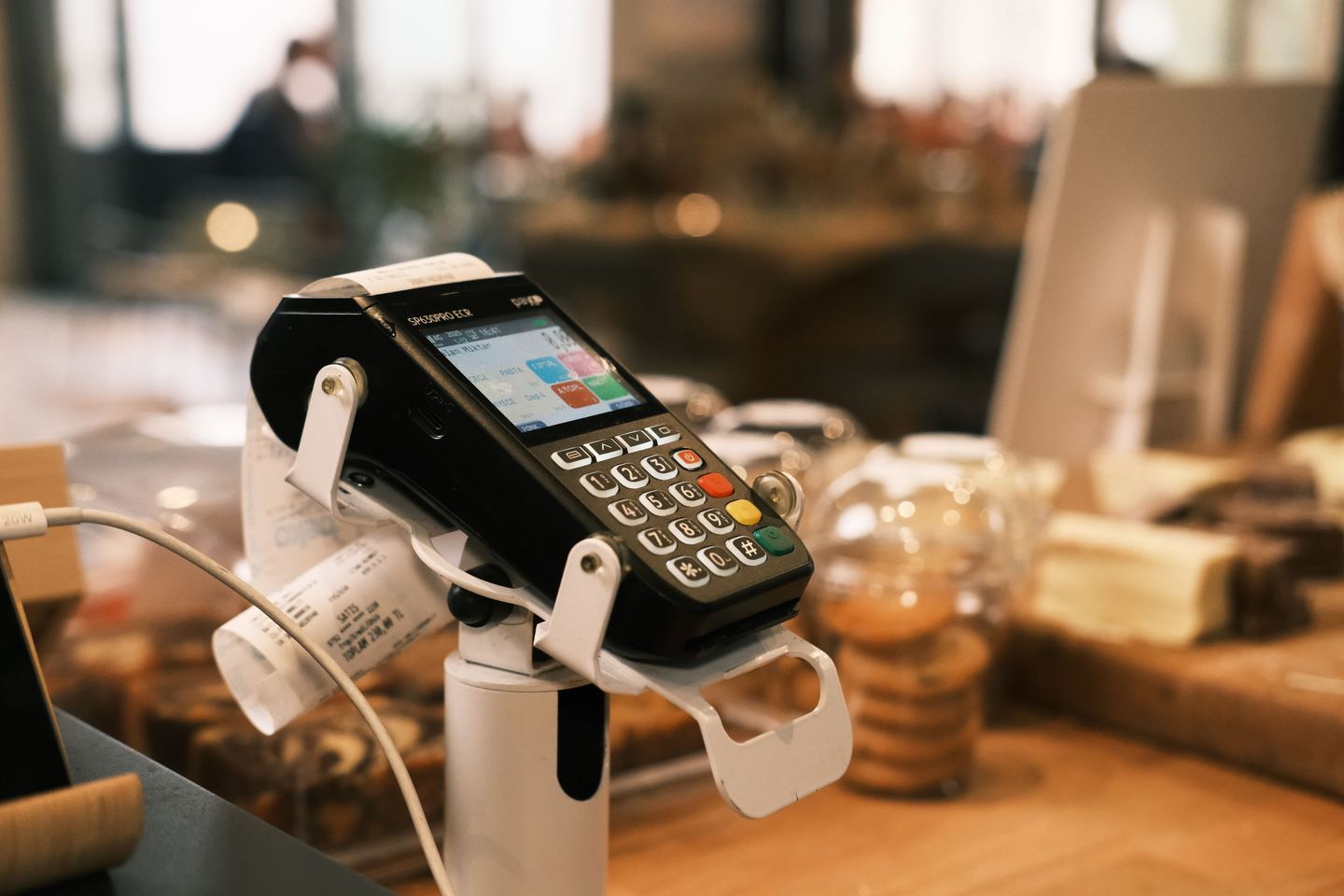
The restaurant’s till still shows a paid delivery order, but the delivery partner has opened a refund case. The cashier sees a Refund button. Before using it, establish who took the payment and whether anyone has already requested or initiated a refund for the same item. If the answer is unconfirmed, record who will check it and when. Do not start a second transaction to spare the customer a wait.
This guide is for shift leads and staff handling complaints about card-paid orders. It deals with one discrepancy before money moves. Follow your agreement, internal procedure and applicable requirements for who may authorise a refund, when it is due and what records you need.
1. Find the payment as well as the order
Link three records: the delivery partner’s order ID, the point-of-sale (POS) order ID and a permitted reference to the original payment. Check the location, currency and amount actually paid by card. If the customer split the payment, the order total is not the card amount. Matching amounts, time or short order numbers help locate a record; they cannot establish that two screens show the same payment.
Then establish who collected the money. A delivery partner may have taken payment in its own app and copied only the order into the POS. Alternatively, the restaurant may have taken payment and hired a partner just to deliver. For the order at hand, identify the authorised refund route and the source that can confirm the outcome: the partner’s portal, an approved processor dashboard, or another route documented by your provider. If the worker cannot access that source, hand the case to someone who can. A Refund button in the POS does not tell you who took the original payment.
Adyen’s documentation describes one approach: attach the refund to the original payment reference. Stripe’s documentation distinguishes partial refunds from cancelling an authorisation where payment has not yet been captured, among other cases. The names of fields and available actions can differ in your system.
2. Track the case separately from the money
For each case, record the item or other approved reason, amount, currency, check time, owner and next checkpoint. Separately, preserve what the source actually displayed: for example, “case opened,” “refund submitted” or “no POS record.” These are descriptions of observations, not standard statuses that all processors use.
| What you verified | What the owner does |
|---|---|
| The authorised channel shows a refund for this amount and item, though the POS does not show it yet | Do not submit it again. Keep the confirmation and the refund reference if available. Correct any separate accounting record only through a procedure that does not send money again. |
| A request is open, an attempt is unresolved, or you cannot tell whether a submission went through after an error | Do not repeat the action in either channel. Check the original payment and the previous attempt in the authorised source or through official support. |
| The prior attempt is confirmed as definitively unsuccessful, or you have confirmed no refund for this reason exists | Check that the approval still stands, the amount for the item, prior partial refunds and the remaining refundable amount on the original payment shown by the provider. Only an authorised person decides whether one action is needed through the approved route. |
DoorDash warns that an active-order refund in its management app may not show up in an integrated POS immediately. Uber Eats explains that it may refund the guest and separately adjust the restaurant’s payout. These are examples of different records, not rules or timing guarantees for every delivery service. A discount, an in-app credit and a refund to the card also need separate checks if they appear under a single label.
3. Hand over one case, not two assignments
Use one row in a shared log with restricted access. A useful format is location + channel + external order ID → POS ID → payment reference → item and amount → action already submitted? → source and time → owner and next check. If a second complaint comes by phone, add it to the same row instead of creating a new task for the cashier. If it refers to a different item with the same price, verify the item rather than closing the complaint as a duplicate.
At shift change, have the incoming lead acknowledge ownership; until then, it stays with the outgoing lead. Immediately before any action, the new owner opens the log and the current record in the source again. The internal log reduces the risk of two manual actions, but it cannot block the partner from acting. Do not ask the guest for a PIN, card verification code, full card number or card photo. Approved payment references are sufficient for this log. The PCI Security Standards Council separately explains why card verification codes must not be stored after authorisation.
Example and pre-launch check
In this example, the partner took a UAH 720 card payment on order D-241, imported into the POS as P-89. The complaint concerns one UAH 120 item. At 19:40 the POS shows no refund. The partner portal shows an open case but does not say whether a payment operation has been submitted. The shift lead schedules a check at 20:00 and hands the incoming shift one log row. At 20:00 the partner confirms a UAH 120 refund operation for that item and provides its reference. The restaurant does not refund it again. If the guest asks about the money, communicate only verified information through an approved channel. Do not promise it is already on the card based on the partner’s record alone.
Before changing the process, run a two-person drill: two reports about the same item, equal amounts for different items, a submission with an unknown outcome, and a separate run involving a shift handover. Use synthetic records only, on paper or in the provider’s test environment if available. Do not use live payments or guest data. A pass means staff prepare no repeat action while an outcome is unknown, the incoming shift can name the source and time of the next check, and separate items stay separate. If you use AI for training, give it only test rows and ask it to flag discrepancies. People keep the decision and access to payment systems.
Related: how to reconcile the shift’s card payments with a payout. That is a separate check for movements already recorded.
Prepared by the NADALI editorial team using AI.
Sources checked November 25, 2026. Nadali did not run payment operations or test the workflow in a restaurant. Cover: illustrative stock photograph.