What changed
On October 21, Google announced Docs Live availability for eligible Workspace plans in the Google Docs mobile app. The business plans listed include Business Standard and Plus and Enterprise Standard and Plus. This expands access: Google had already launched Docs Live for Google AI Pro and Ultra subscribers in its September announcement, with business access promised later.
According to Google’s new announcement, it is available now and on by default for users with Gemini in Docs enabled. Current help documentation adds an important restriction: Android and iOS, English only.
Who may find it useful
A small-team owner who wants to dictate an idea for a work document after a meeting. For example, a short event-preparation plan separating agreed details from unknowns and questions. This is an illustrative scenario, not a tested business case.
Docs Live helps produce a plan and draft and can draw on Drive, Gmail, Chat and web content. That does not make the generated text an accurate record of agreements.
How to try it without assuming too much
- Check your plan and access to Gemini in Docs. This version does not promise Ukrainian-language support.
- In mobile Docs, open document creation and choose Create with voice. Describe your goal in English.
- Review source settings. For the first attempt, use non-confidential material approved for processing in this service.
- Correct the proposed plan, then move to the draft. Before finishing, reconcile names, dates, owners and promises with agreed facts.
The workflow and source settings are described in Google’s help documentation. The final fact check in this list is Nadali’s editorial recommendation.
Verification limits
We read public documentation but did not test the feature in a work account or measure time savings. The practical takeaway for a small business: voice can help prepare a draft, but check its sources and content before using it.
Read also: what a person should check before using AI-generated text.
Sources checked on October 22, 2026. Author: Nadali. Prepared with AI.
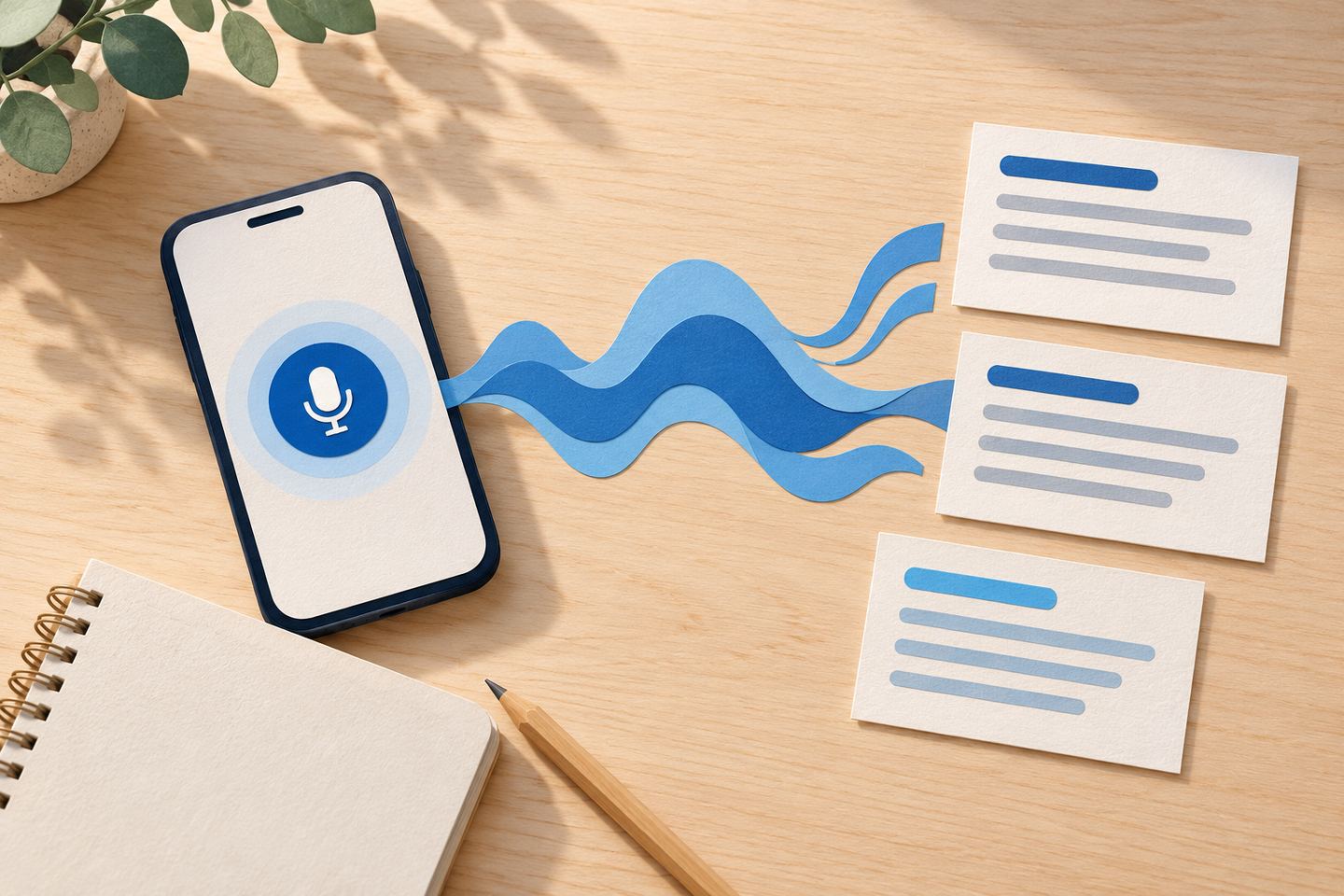
Cover: an original AI-generated illustration for Nadali, not an interface screenshot or evidence of testing.