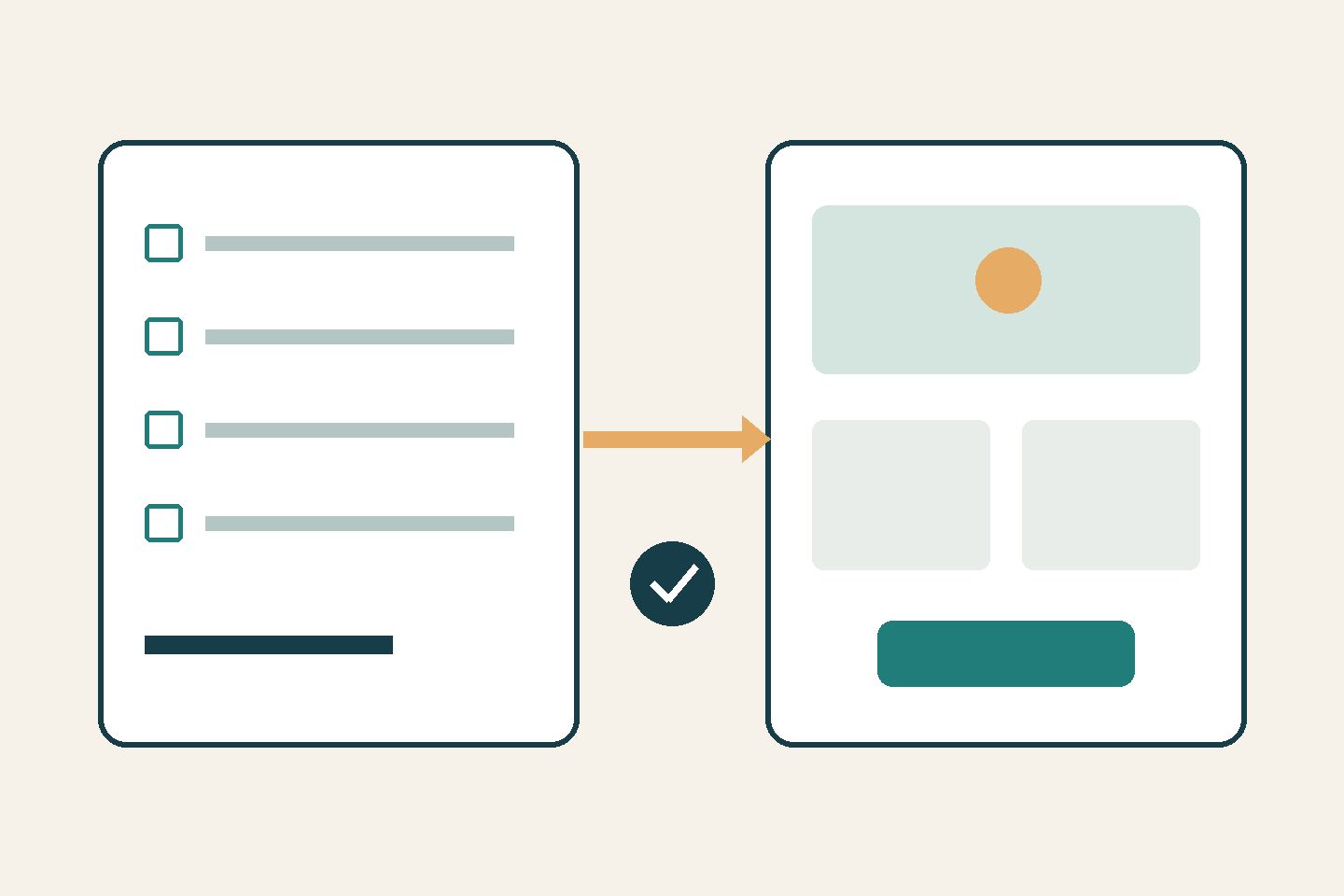
On October 15, 2026, Figma announced the gradual rollout of Specs in open beta on paid plans. The collaborative editor lets teams keep requirements alongside designs; connected AI agents can also work with this context.
Who could benefit
A small-business owner commissioning a website or a change to an enquiry form. The practical value of this format depends on whether the team actually agrees requirements in one place. Launching an editor does not establish lower costs or fewer errors.
How to try it
An illustrative example: before redesigning a hotel booking page, the owner records which fields are required, what guests should see after submission and who handles the enquiry. The designer adds the relevant design. This is a proposed scenario, not a Nadali test result.
For a first trial, choose one small change. Separate approved requirements, open questions and the person responsible for decisions. Ask the developer to check each requirement against the completed page. Review agent-generated text: it must not turn an assumption into an approved decision.
Availability and limitations
Figma’s dedicated guide lists Professional, Education, Organization and Enterprise plans; editing requires file edit access. Rollout will take several weeks, so teammates may receive access at different times. The general beta-feature index also mentions Starter, but the announcement and dedicated guide do not confirm it: Starter access should not be treated as established.
Writing and editing Specs manually does not consume AI credits. Using the agent with Specs consumes credits, with usage depending on the task and context; for FigJam, the guide qualifies that this applies once its agent begins consuming credits. Check availability and limits in your own account before trying it.
Keep guests’ personal data, passwords and payment information out of a demonstration brief. Agree contractors’ permissions before sharing the document. Nadali has not tested the feature.
Bottom line
For a team already working in Figma, Specs provides a new place for a shared brief. Start with one change and check whether it becomes easier to establish what has been approved before moving the entire workflow.
Read also: where human review is needed.