Author: Nadali. Prepared using AI.
On November 10, 2026, Fiserv announced Clover’s AI website builder and new eCommerce capabilities for Clover merchants in the US. The company says business information and design preferences become a website, while store data syncs with Clover.
The package also covers search visibility, shipping and tax calculation. The release gives no prices. These are provider claims, not our test results.
Check the specific connection you intend to use
Clover’s eCommerce page describes both creating a store and connecting an existing storefront, including through the SKU IQ add-on. It does not establish a separate price for the new AI builder. Do not automatically apply one option’s terms to another.
For a small retailer, the practical question is whether the published offer, available stock and order record agree after launch. An attractive layout alone cannot establish that.
Four checks before opening
These are editorial recommendations, not a list of Clover functions we have tested.
- Get written terms. Confirm whether the builder is available to your account and plan, recurring charges, transaction fees, extra apps and cancellation terms.
- Reconcile a small product sample. Check the name, variant, price, stock and photograph against the store’s records. Agree where discrepancies should be corrected and who owns that task.
- Walk through a test order. Ask for an approved test environment covering shipping, tax, the final total, the order appearing in the records and cancellation. Confirm separately whether a test environment is supported; do not make an accidental real payment.
- Read the AI-created pages. Product properties, dispatch times, returns and contact details must match the business’s approved terms. Remove unsupported promises before publishing.
Assess search visibility separately from launching the store. Having SEO or AI-answer optimization tools does not guarantee impressions, recommendations or sales.
For a Ukrainian business, this is an example of how to evaluate similar solutions, not confirmation that Clover is available in Ukraine. Nadali has not tested the product, an account or payments, or measured savings or sales growth. Both primary sources were read on November 10, 2026.
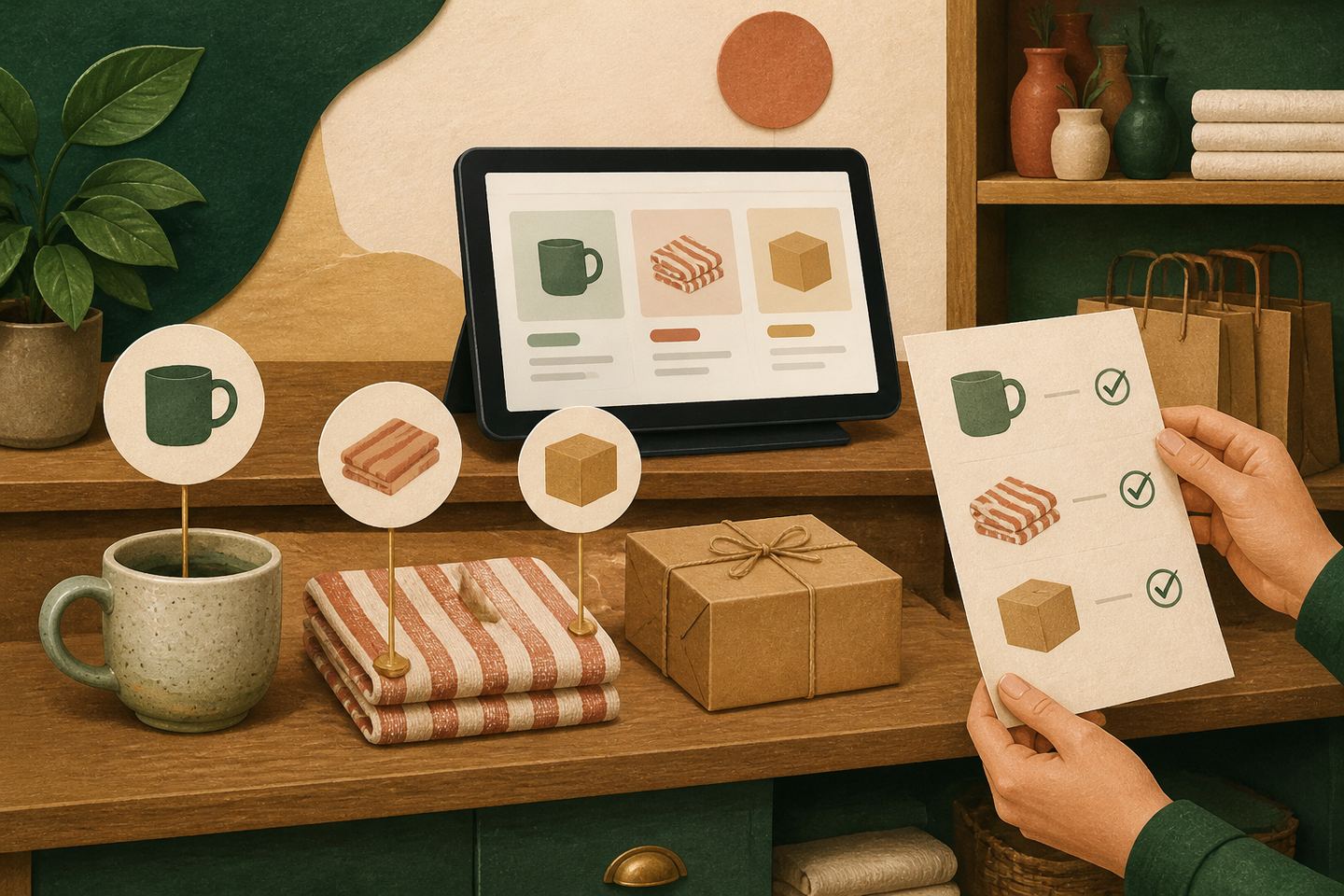
Cover: an original Nadali AI illustration about reconciling products with a digital storefront, created for this article; not Clover’s interface.