On October 21, 2026, BigCommerce announced WebMCP for storefronts. It is enabled by default for all Stencil storefronts and Catalyst storefronts hosted on Cloudflare. One detail matters for owners: product, cart and checkout tools are available only when the store’s server-side Storefront MCP is enabled.
Who should pay attention
Small online-store owners using BigCommerce and their technical partners. The first step is not advertising “AI shopping,” but checking which actions the store already makes available to an agent.
Two separate settings
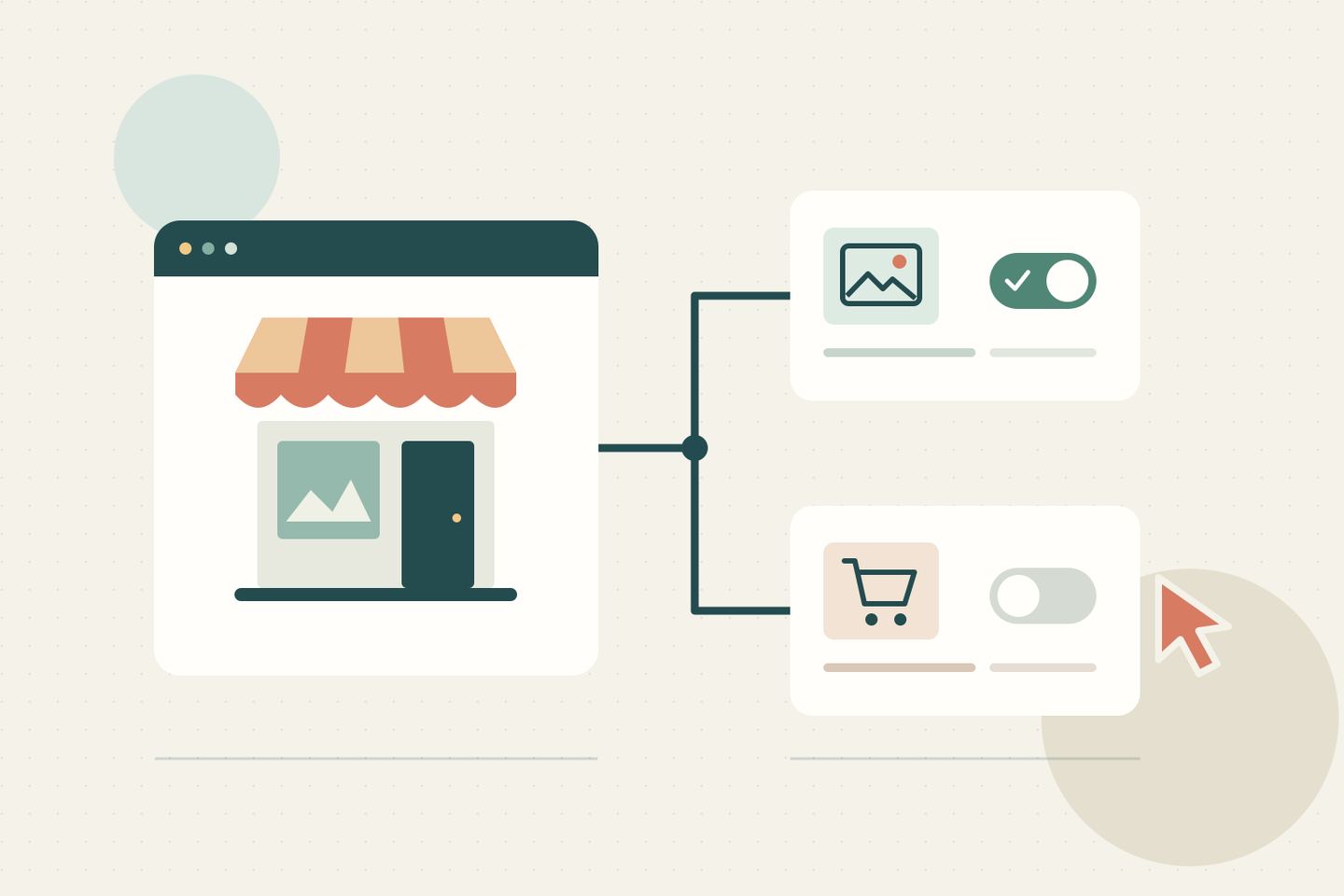
According to the WebMCP documentation, without Storefront MCP, only tools reading C2PA image-provenance metadata are exposed. They do not cryptographically verify signatures.
Activating Storefront MCP separately requires a store owner to enable it and accept terms. BigCommerce’s instructions warn that the server can take up to ten minutes to become available. This is an owner’s decision, not a required step for every store.
What to check now
Our editorial recommendation:
- Open Settings → API and MCP → MCP. Compare the WebMCP and Storefront MCP states and the tool list.
- Record permitted actions and assign someone to review later changes. Ask the developer to explain unfamiliar actions before expanding access.
- If you decide to opt out of WebMCP, allow for full disablement taking a couple of days. Re-enabling requires contacting Support.
- Before a customer-facing launch, arrange an authorized check with a test cart and no real order. Check the product, variant, quantity and link for completing the purchase.
A custom headless storefront on Cloudflare also needs Support to enable WebMCP. Browser support is limited; the control panel labels Chrome and Edge support as preview.
What this does not establish
Cloudflare describes WebMCP as an experimental proposed browser standard. An agent can operate in the shopper’s session, but the human still completes checkout. This is neither universal browser support nor automatic payment.
Nadali has not tested the integration or measured its effect on sales. The practical takeaway: review exposed tools before allowing additional actions or promising shoppers a new way to order.