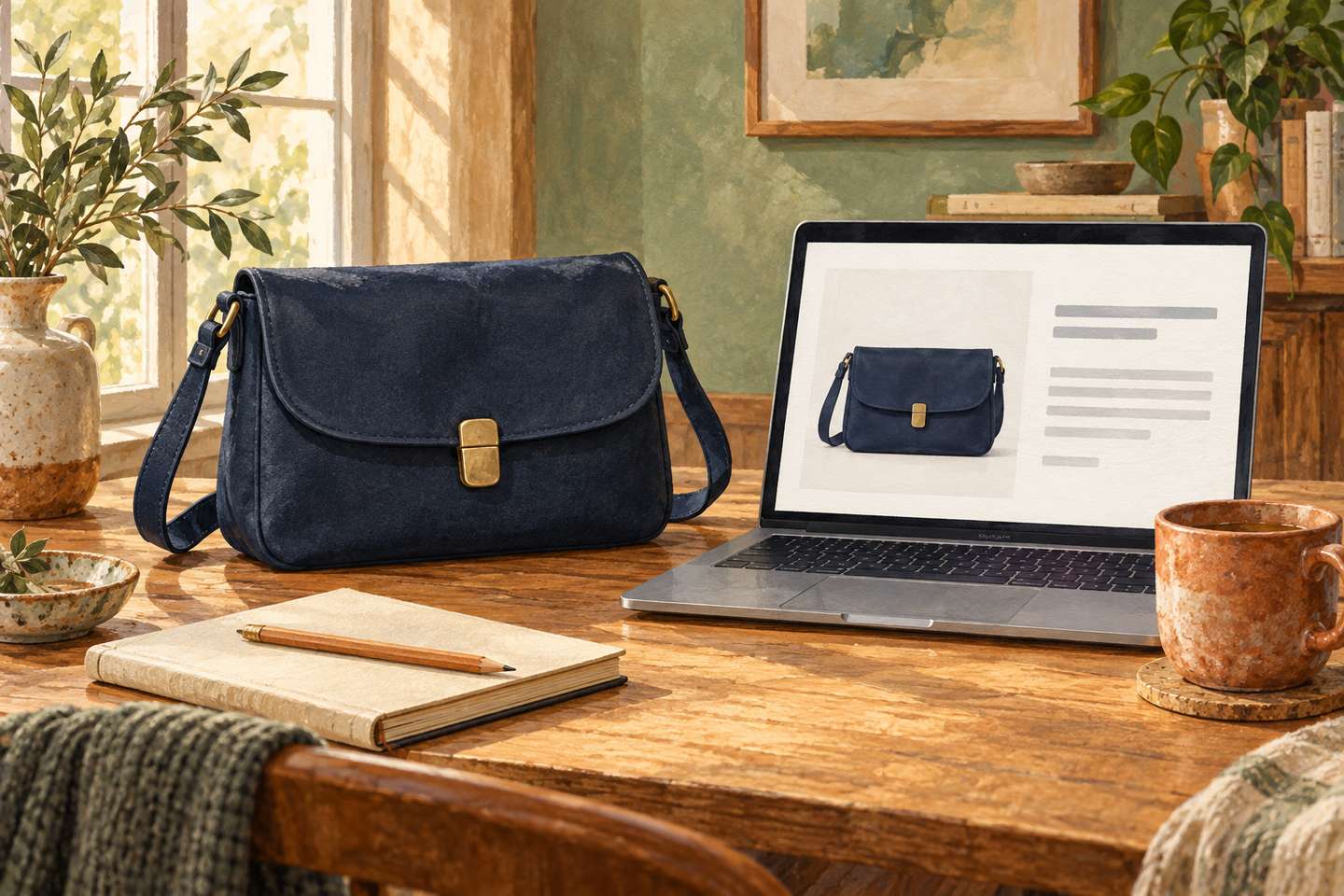
One ecommerce photograph may show a product’s colour, texture and shape. A shopper using a screen reader needs access to important information conveyed visually. AI can suggest alt text, but a person who knows the item and the image’s role on the page must decide what belongs in it.
This is a practical workflow for a small online store, informed by W3C Web Accessibility Initiative guidance. It is an editorial method, not evidence that any particular website meets accessibility requirements.
1. Determine the image’s purpose first
The W3C alt decision tree asks whether an image communicates meaning, repeats nearby text, or performs a function.
| Image on the page | Alt approach |
|---|---|
| Primary product photograph with relevant visual details | Briefly convey those details in the product’s context |
| Additional angle showing new information | Describe the newly visible feature, such as a clasp, pattern or back view |
| Purely decorative HTML image | Use an empty alt="" attribute |
| Image-only button without sufficient text | Name the action, not the shape of the icon |
| Complex infographic or size chart provided as an image | Make the information available as accessible text or a proper table too |
W3C says decorative HTML images should generally have an empty alt attribute, not a missing one: some screen readers may otherwise announce the filename. For functional images, the purpose matters: “Search,” not “magnifying glass.” The correct choice depends on how the image is used, so one generic caption per file cannot always work.
2. Give AI a verified product reference
Prepare the product ID, approved name, actual colour variant, material only if confirmed, and the role of each photo in the page. Do not infer ingredients, dimensions, certifications or product features from indistinct packaging text or appearance.
Consider an invented product example: a dark-blue crossbody bag with a visible metal clasp. Possible alt text includes:
- Main photograph: “Dark-blue crossbody bag with metal clasp, front view.”
- Back photograph: “Back of dark-blue crossbody bag with exterior pocket” — only if there really is a pocket.
- Decorative pattern beside the card that conveys nothing new:
alt="".
“Best premium eco-leather, 100% natural material” is poor alt text: those claims cannot be read from the photograph. When material matters to a purchase, confirm it in the product specification and include it in normal page copy as well.
3. Use a contextual drafting prompt
Suggest English alt text for each product image. Inputs: photograph, approved product details, the image’s role on the page and its colour variant. Describe only visual information needed to understand or choose the product that is not already conveyed by adjacent text. Do not invent materials, ingredients, features, brand or dimensions. For purely decorative images, propose empty alt with a reason. For buttons, describe the action. Flag unreadable labels for human checking. Return: filename, role, suggested alt and uncertainties. Do not change published product pages.
This is a prompt template, not a claim that any particular product supports the workflow. If the model must analyze photographs, confirm that your chosen service actually accepts images and that you are allowed to share those files.
4. Check the error types that matter
Compare each proposed alt with the real photograph and adjacent text. Plausible small errors matter: the wrong variant colour, an invented zipper, a missing identifying detail, overlong descriptions or identical captions across distinct angles. When an image contains important text not otherwise on the page, that information also needs a text equivalent; the W3C Images Tutorial provides examples.
Check implementation, not just wording. Alt is an HTML image attribute, not a caption left in an unpublished spreadsheet. Examine the primary product image, gallery, thumbnails, image-change controls and mobile experience. Check whether repeated names or details create needless duplication for screen-reader users.
Do not turn alt text into keyword stuffing. Its primary purpose is to convey an image’s content or function. Having alt text alone does not guarantee WCAG conformance, search rankings or additional sales.
5. Test on a small, varied sample
Pick 10 products across image types: clothing with colour variants, a product with fine details, a package with visible wording, a size chart, and several simple items. Include at least one decorative icon and one functional image button so the team practices distinguishing them from product photos.
For every example, save the existing alt, AI suggestion, approved version and reason for any edit. Review not just grammar but accuracy against the photograph, consistency with the product page, useful length and correct use of empty alt. Where feasible, ask someone who uses a screen reader to work through a real product page; automated checks cannot replace that perspective.
Next step: open a product card with five photographs and ask of each: “What new information does this particular image provide?” Only after answering should you ask AI to draft its alt text.
These recommendations about alt apply to the HTML img element. CSS background images have no alt attribute; do not present essential information only through such a background.