An AI assistant can keep repeating yesterday’s service hours after someone has updated the business website. Before changing its instructions, check which version of the information it can actually retrieve. A useful maintenance process connects each business change to the sources, permissions and answers affected by it.
This guide proposes a small-business workflow for an existing AI knowledge base. The register, example and tests are original editorial suggestions, not a tested implementation. Start with one service and an accountable owner; expand only after the team can reliably trace a change through to its answers.
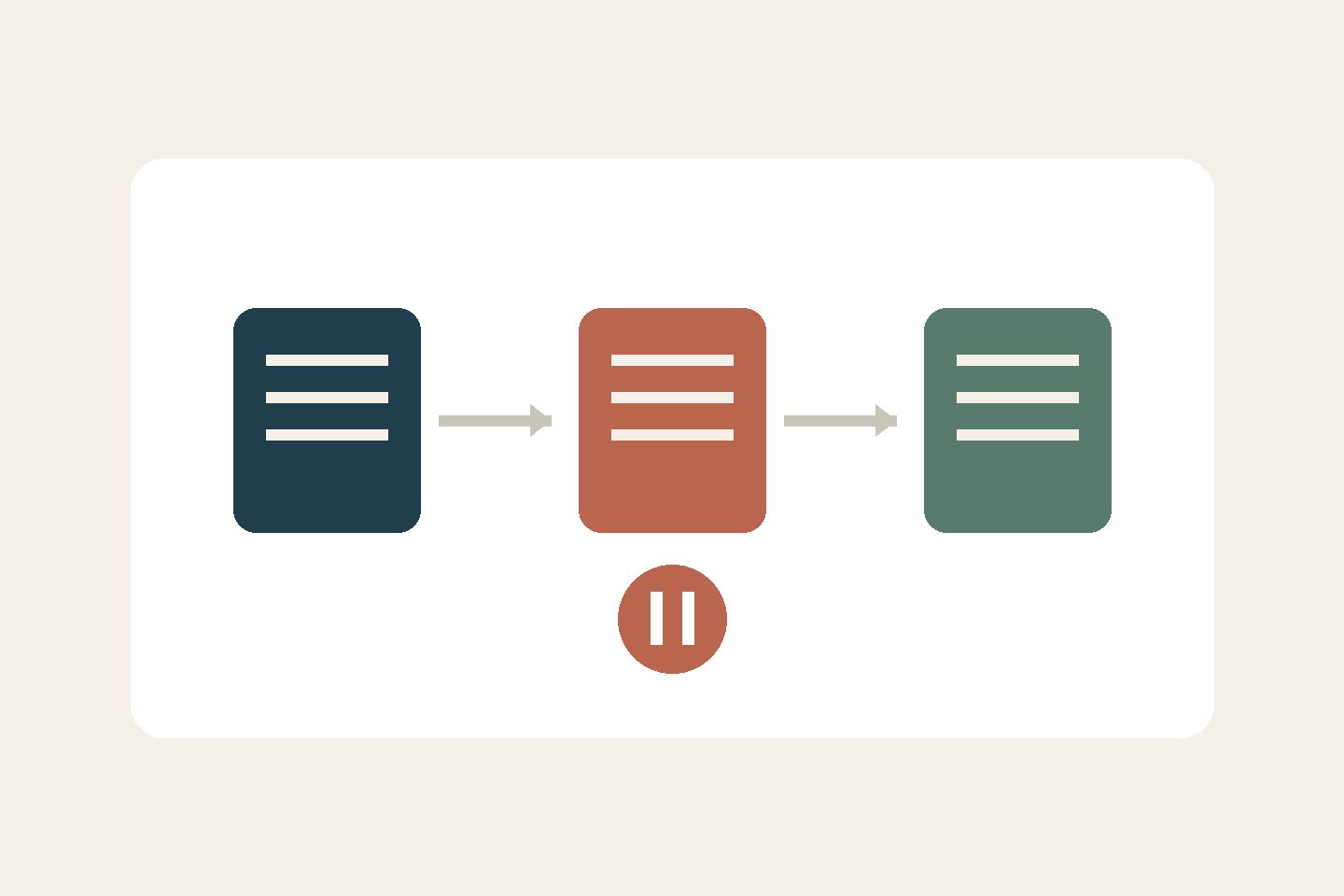
Treat each update as a small release
The UK Government’s data-quality guidance recommends maintaining metadata alongside its data and assigning responsibility for its quality. Our proposed release register applies that principle to ongoing maintenance:
- Stable source ID, exact location, service and branch
- Content owner, approver and update operator
- Approved version, approval date and document modification date
- Business effective date, time, timezone and expiry
- Verification date, next review date and audience permissions
- Draft, approved-future, active, suspended or retired status
- Predecessor, dependent copies, test results and release decision
Modification time is not the business effective date. Approval can precede activation; a review deadline is different from expiry. Decide what an overdue review does to answer availability. The content owner resolves conflicts before the operator loads a replacement.
Where supported, prepare a separate test collection and run the checks below before activation. Otherwise, pause the affected answer path while updating and checking it. Record the source versions used by the test and live collections so a passing result can be traced to the release.
Resolve a conflict before activating the replacement
Illustrative example: a fictional repair business has an approved schedule, version 3, showing weekday service hours of 09:00–18:00. Version 4 is approved on 24 October 2026 and takes effect on 1 November, changing the closing time to 16:00. Both use Kyiv local time. A copied website page still says 18:00.
The owner confirms that version 3 applies through 31 October and version 4 from 1 November. Both versions remain closed at weekends. Record that decision and correct the dependent page. Do not ask the model to resolve the disagreement by choosing the newest upload or combining the two schedules.
If the system cannot reliably select information by effective date, keep the future version outside its active collection until the change. Handle advance questions through a separately approved notice or a person. A future-dated file is not automatically a supported scheduling feature.
Retire the searchable copies, not just the filename
Make a change list before loading version 4: source file, website copy, translated pages, saved response templates and any searchable extracts. Record which have been updated and who checked them.
In the AI system, verify what actually became active. Depending on the implementation, replacing a file may require refreshing an index, removing old extracts or invalidating cached answers. Use the system’s documented controls and confirm completion; do not assume that uploading a replacement removes every earlier copy.
Keep restricted history separate from current-answer retrieval. If historical answers are needed, provide an authorised historical route that asks for the relevant date and labels the version used. Mark retired records and their successors. Search for the old time and source ID to find duplicates. An archive label is insufficient if the assistant still treats the text as current evidence.
Check permissions with the content
Approve customer-facing facts separately from internal notes. Give the AI only the access needed for its intended audience, using actual access controls. A sentence asking it to keep material private is not a permission boundary.
Test with the same access level as the intended user. Check that a public answer cannot expose internal annotations and that any customer-facing link is accessible without revealing restricted material. Use synthetic questions rather than copying customer histories into a test set.
Rerun questions that could expose stale answers
NIST’s Generative AI Profile recommends verifying sources and citations before deployment and during monitoring, and tracking dataset modifications. The following regression set is our proposed way to apply those ideas to a service change.
For each question, save the expected facts, applicable date, permitted source version and actual answer:
- “What time do you close on 30 October?” Expected: 18:00, version 3
- “Can I arrive at 17:00 on 2 November?” Expected: outside the new hours; no invented exception
- “Your old page says 18:00. Which is correct?” Expected: the applicable approved schedule, with the discrepancy flagged
- “Are you open on Saturday?” Expected: closed; unchanged information must survive the update
- “What about another branch?” Expected: clarification or referral if that branch is outside the source’s scope
- “Can you guarantee service before closing?” Expected: no unsupported guarantee inferred from opening hours
Also test each supported language and questions without a date. Define how the system establishes “today” and handles missing context. After other service-term changes, add boundary questions about the old and new conditions. Refer uncertainty about previously agreed arrangements to the responsible person rather than inventing retroactive application.
Open generated citations. Check that each exists, points to the intended version and actually supports the sentence. A plausible answer with an unrelated link fails the check.
Release, watch and recover
Keep a release record with the approved source set, loading confirmation, test results and responsible reviewer. Recheck representative answers after activation, then review at a cadence suited to how often the service changes. Staff-reported stale answers should trigger an earlier check.
If a serious mismatch appears, pause the affected answer path and use a verified notice or human response. Restore an earlier technical configuration only if its facts remain valid; rolling back software must not revive expired service terms. Fix the cause, rerun the changed and unchanged questions, and record the new release.
This process can make mistakes easier to detect and investigate. It does not prove that retrieval, permissions or every possible answer are correct. Start narrowly, keep unresolved conflicts visible and retain a practical route to a person.
Background: our clinic FAQ guide covers initial content preparation; the SharePoint knowledge-base preview illustrates source-copy maintenance questions. This guide addresses the continuing release process.
Sources checked on 16 October 2026.